


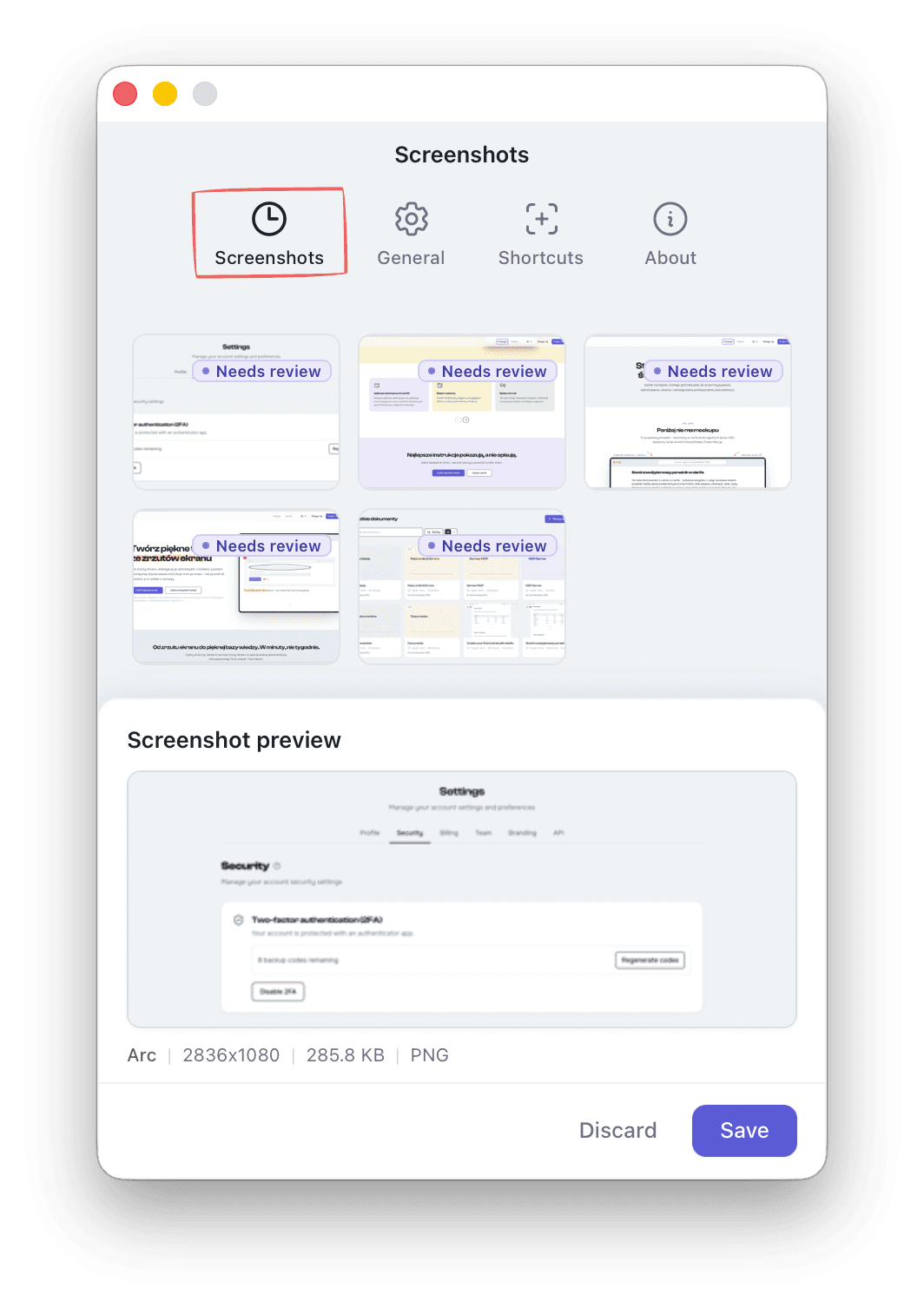
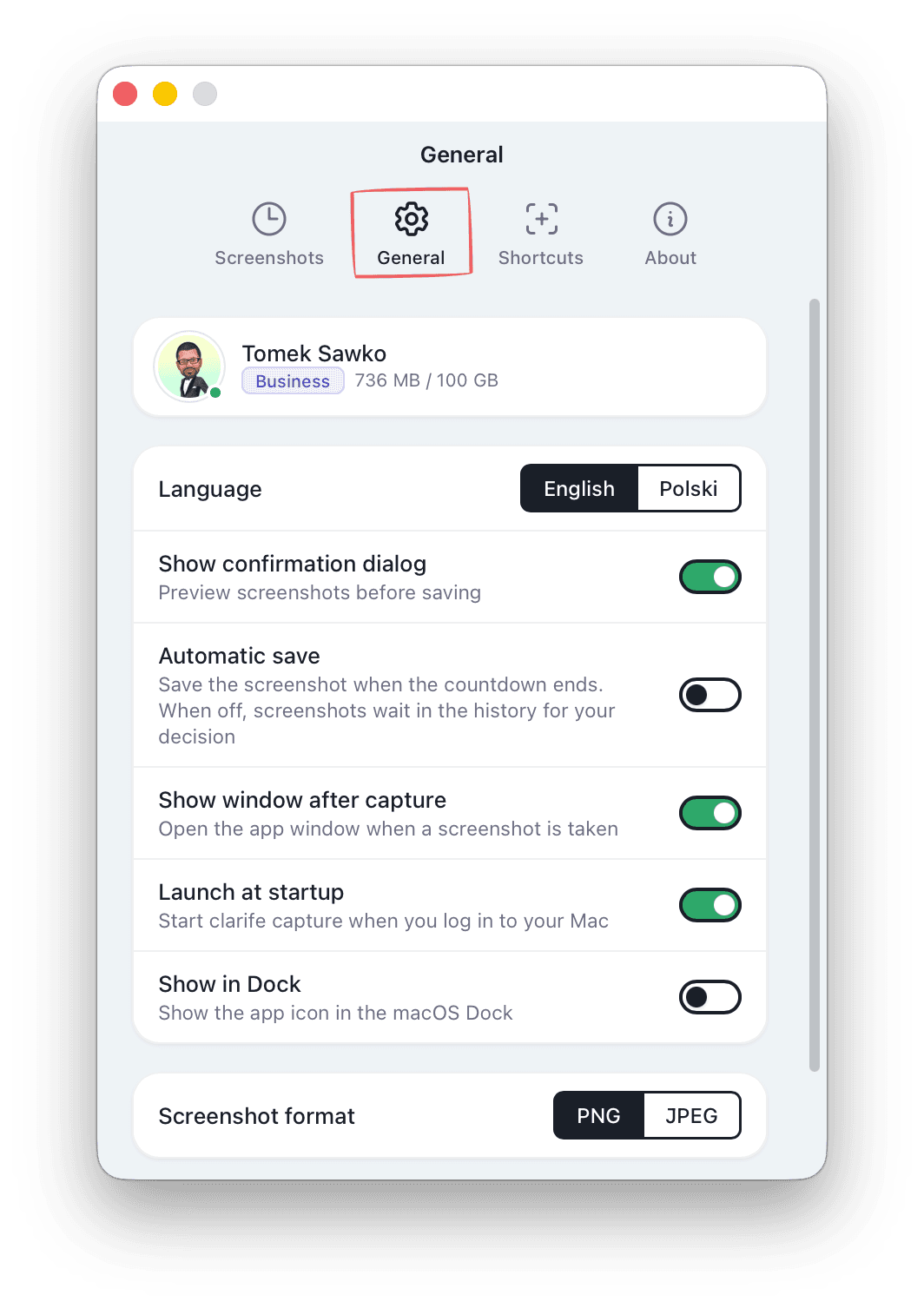
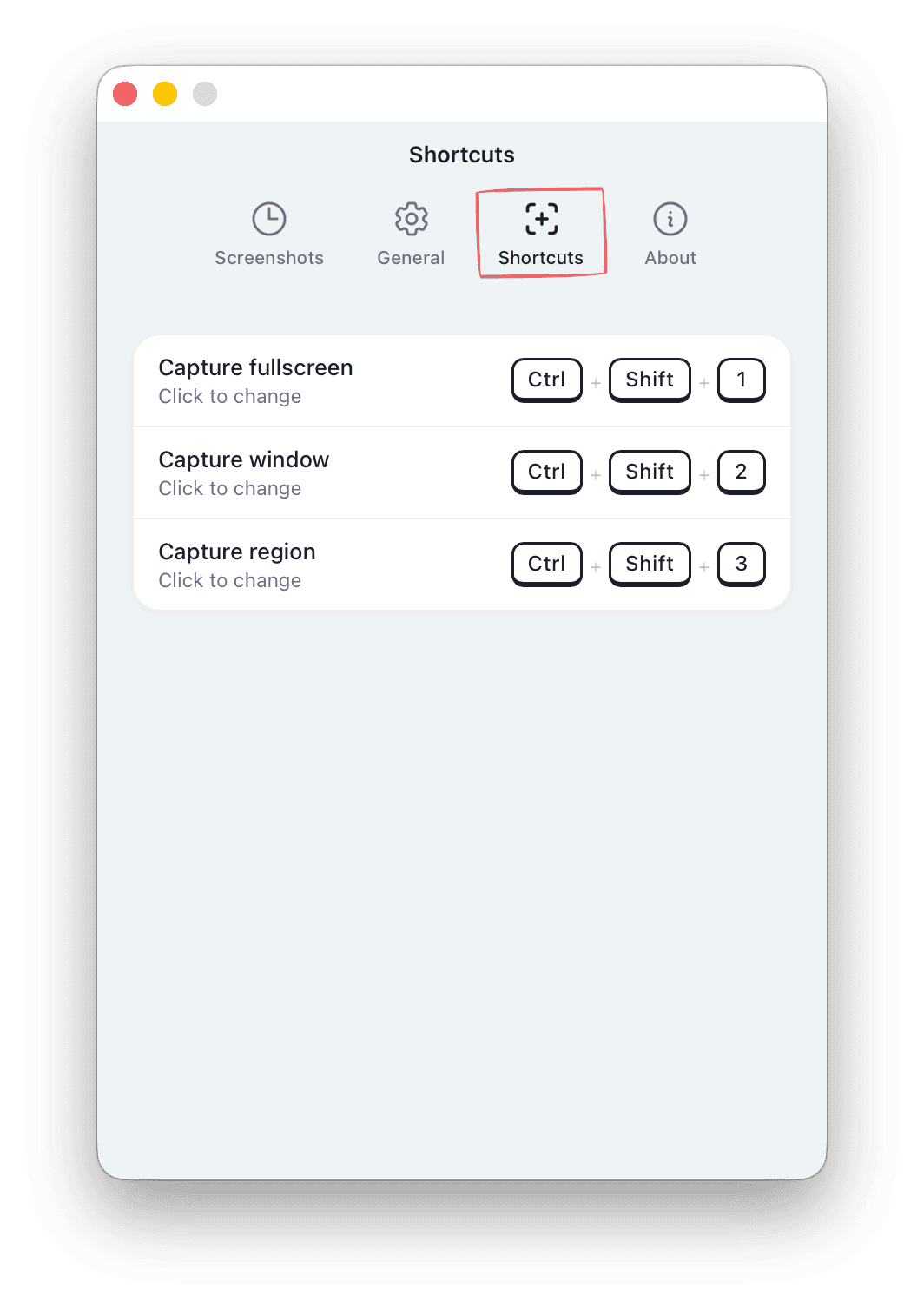
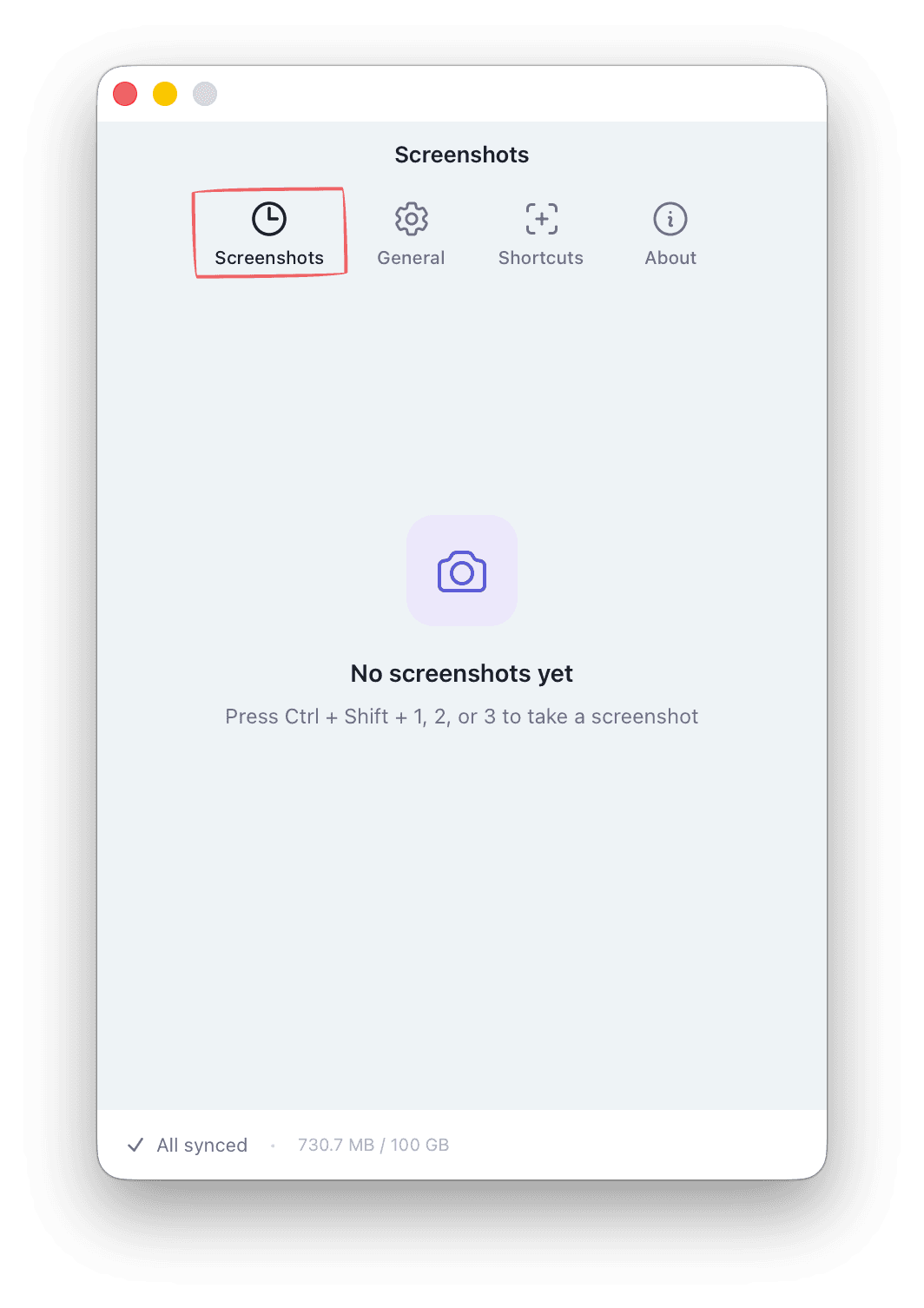
Desktop Companion (macOS & Windows)
A native desktop app for fast screenshot capture with keyboard shortcuts. Syncs seamlessly with the web editor.
Every tool you need to capture, annotate, write, and share professional documentation.
This is a real tutorial - created in clarife by an AI agent (via the API) and embedded on this page with the Embed feature. Scroll it.
<iframe src="https://clarife.app/embed/wHxmTtbyAcnv45tR" />Add screenshots however you like: paste from your clipboard, upload a file from disk, or capture with the clarife app - region, window, or full screen.
Mark up screenshots with a complete toolset designed for clear, professional documentation. Every annotation is non-destructive and fully editable.
Transform plain screenshots into polished visuals with device frames, gradient backgrounds, and custom styling. No design tools needed.
Combine text, headings, and annotated screenshots in a flexible block editor. Available in any browser on any device.
Let AI do the writing while you stay in control. It drafts step descriptions straight from your screenshots and polishes your text - and every proposal waits for your approval before it lands in the document.
Turn your tutorials into a browsable, searchable help center for your customers or your team. Available on the Business plan. We run our own docs on it - see it live at clarife.app/kb/help-center.
Your tutorials are securely stored in the cloud and accessible from any browser. The desktop companion app lets you capture screenshots with keyboard shortcuts.
Let AI write the script, generate voiceover, and render an animated video walkthrough of your tutorial. Perfect for onboarding and training content.
Export tutorials in the format your team needs. From clean PDFs for documentation to interactive HTML presentations for training.
Let AI agents and automation tools create and manage tutorials programmatically. Connect Claude, Cursor, n8n, Make, or Zapier.
The agent understands plain requests and carries them out in clarife for you - from uploaded screenshots to a finished, shared tutorial.
A full-featured web editor accessible from any device. Desktop companion app available for macOS and Windows.
On Linux all you need is a browser - paste screenshots from your clipboard or upload them from disk.
Create a free account and start building tutorials in minutes.