Create Beautiful Tutorialsfrom Screenshots
Paste screenshots from your clipboard, upload them from disk, or grab them with the clarife app. Add annotations and frames, then share polished step-by-step tutorials - or let AI turn them into narrated videos.
Start free. Try Pro or Business with a 14-day free trial anytime. Credit card required - cancel before it ends and pay nothing.
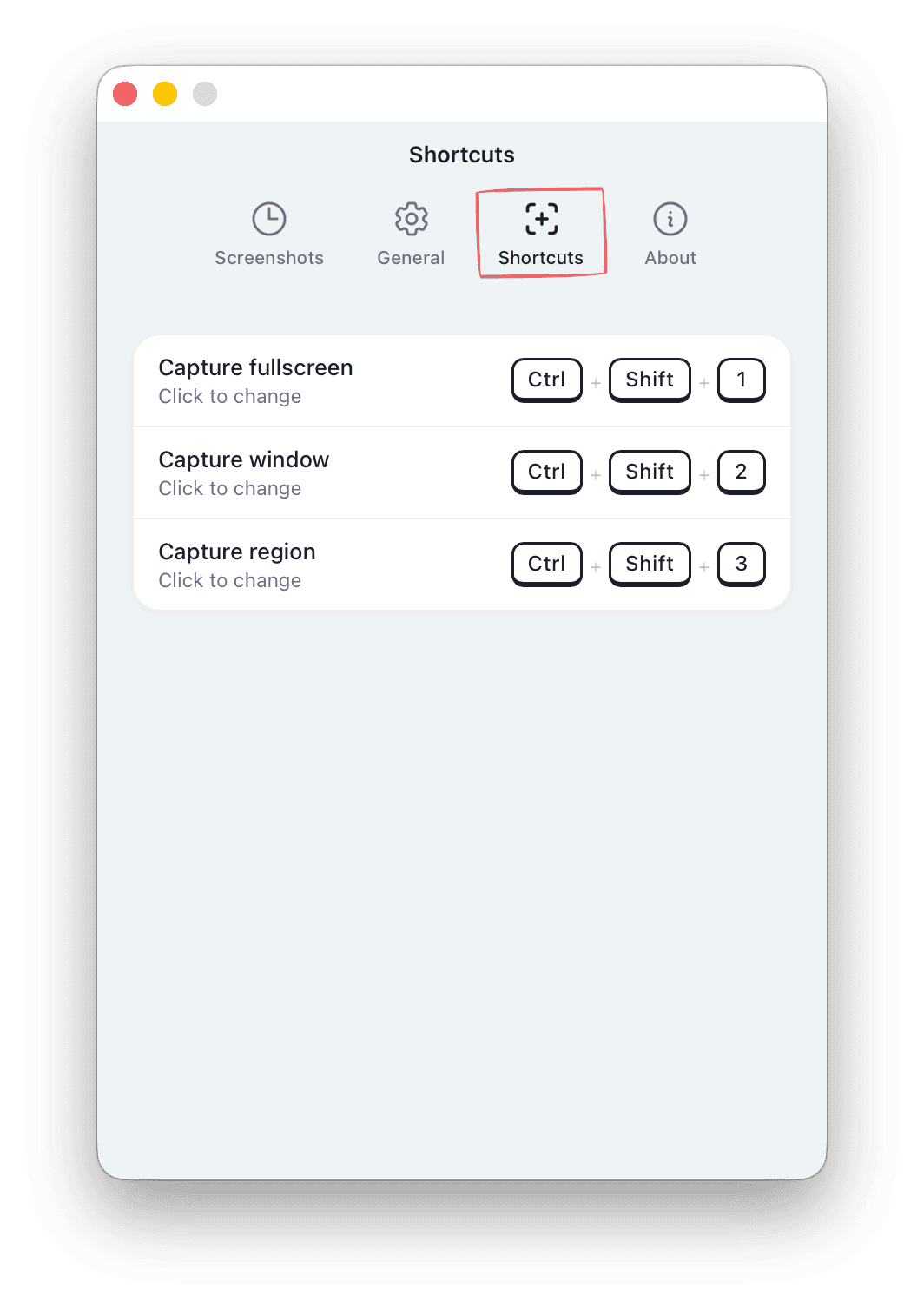
Press Ctrl+Shift+3 and drag over the part of the screen you want to explain.
Your capture lands in the editor automatically - no exports, no drag & drop.
Add arrows, blur and step badges - then share a link.
From a screenshot to a beautiful knowledge base. In minutes, not weeks.
Four steps to transform raw screenshots into polished documentation your team - and your customers - will love.
Add screenshots your way
Paste from your clipboard, drag a file from disk, or capture your screen with the clarife app. Every screenshot lands straight in your workspace.
Enhance & annotate
Frame your screenshots with device mockups and gradient backgrounds. Add arrows, highlights, step counters, and blur. And when words fail you, AI assist writes the step description straight from the screenshot.
Share or publish
Generate a shareable link with custom branding, password protection, email gating, and custom domains - or embed tutorials directly on your site.
…or build a knowledge base
Gather your tutorials into a professional help center - with categories, full-text search and your branding. Customers find answers on their own, before they ever email support.
Turn tutorials into videos with AI
One click generates a narrated video from your tutorial - complete with voiceover, animated slides, and subtitles. No editing needed.
Built for teams
Organize, brand, and control access across your entire organization.
Team Workspaces
Invite team members, assign roles, and organize tutorials in shared projects with folder structures.
Custom Branding
Add your logo, colors, and domain to every tutorial and video. White-label sharing for a professional look.
Flexible Sharing
Control who sees what with password protection, email verification, domain allowlists, and expiration dates.
API & Agent Access
Let AI agents create tutorials. Connect Claude, Cursor, n8n, Make, or Zapier via REST API, MCP, or webhooks.
AI Assist
Drafts step descriptions straight from screenshots, then rewrites, shortens or translates your text - you approve every suggestion. Monthly allowance included in every plan.
Knowledge Base
Publish your tutorials as a branded help center with categories and full-text search - for your customers or your team. Our own docs run on it.
Lightning-fast screen capture
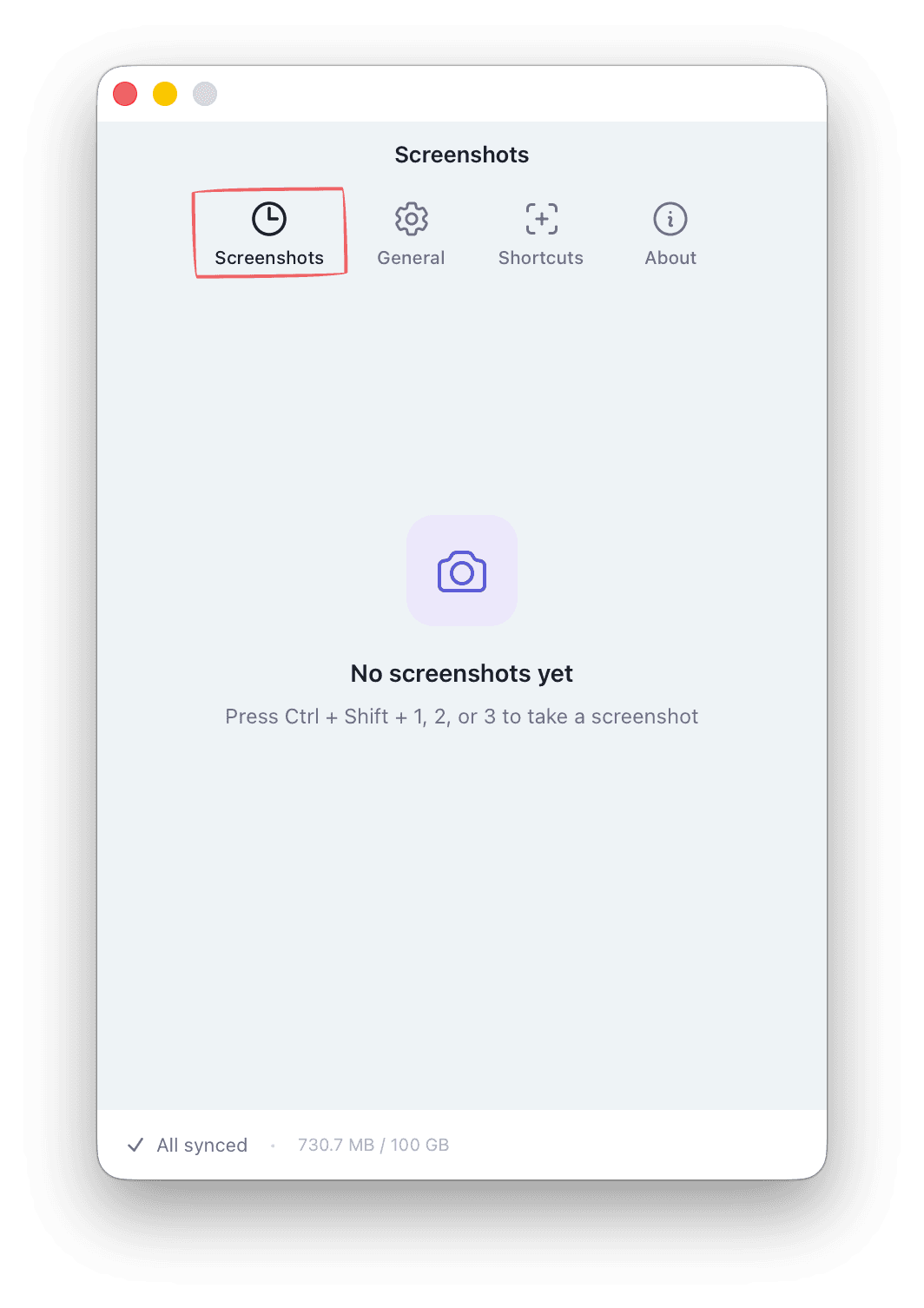
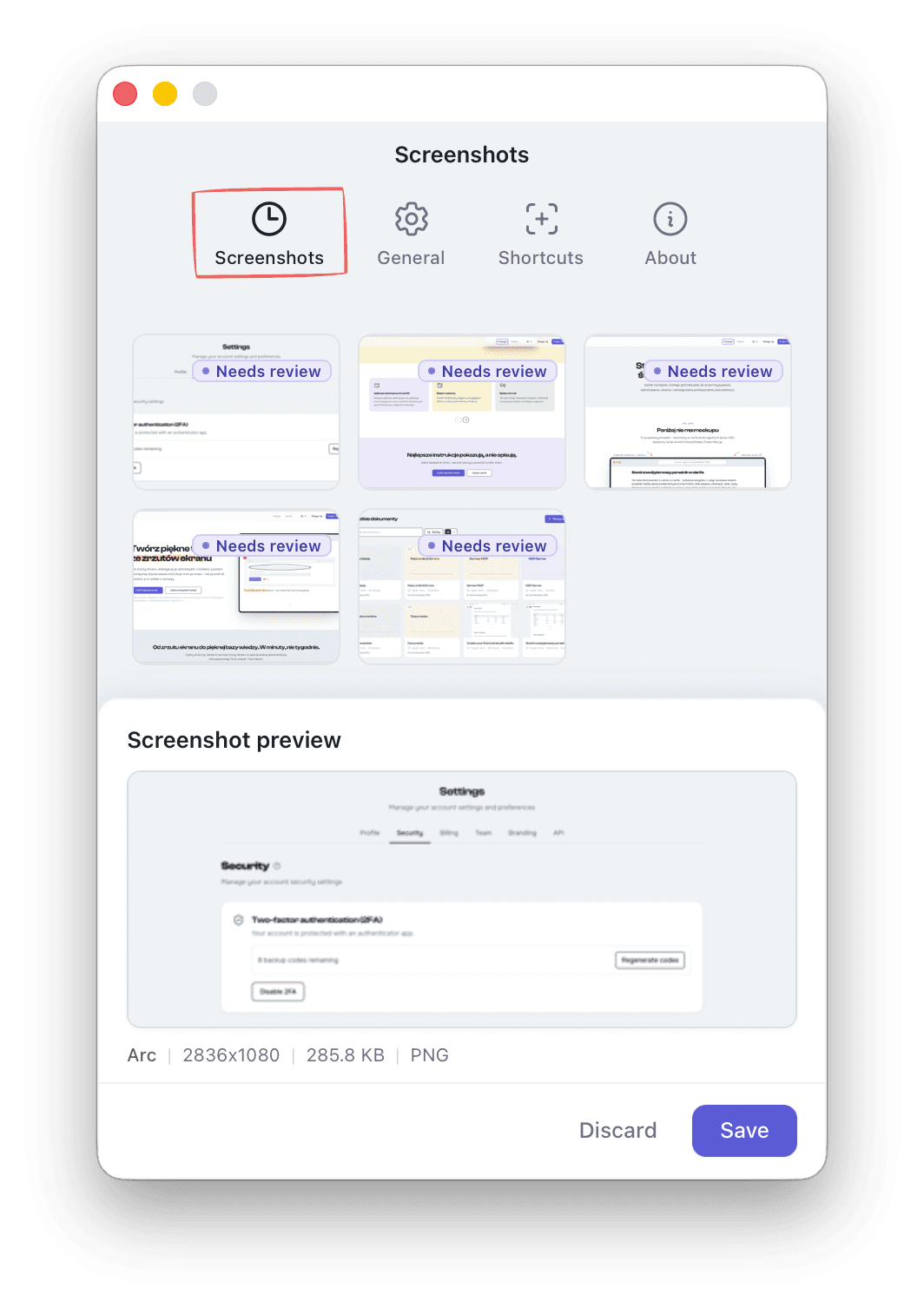
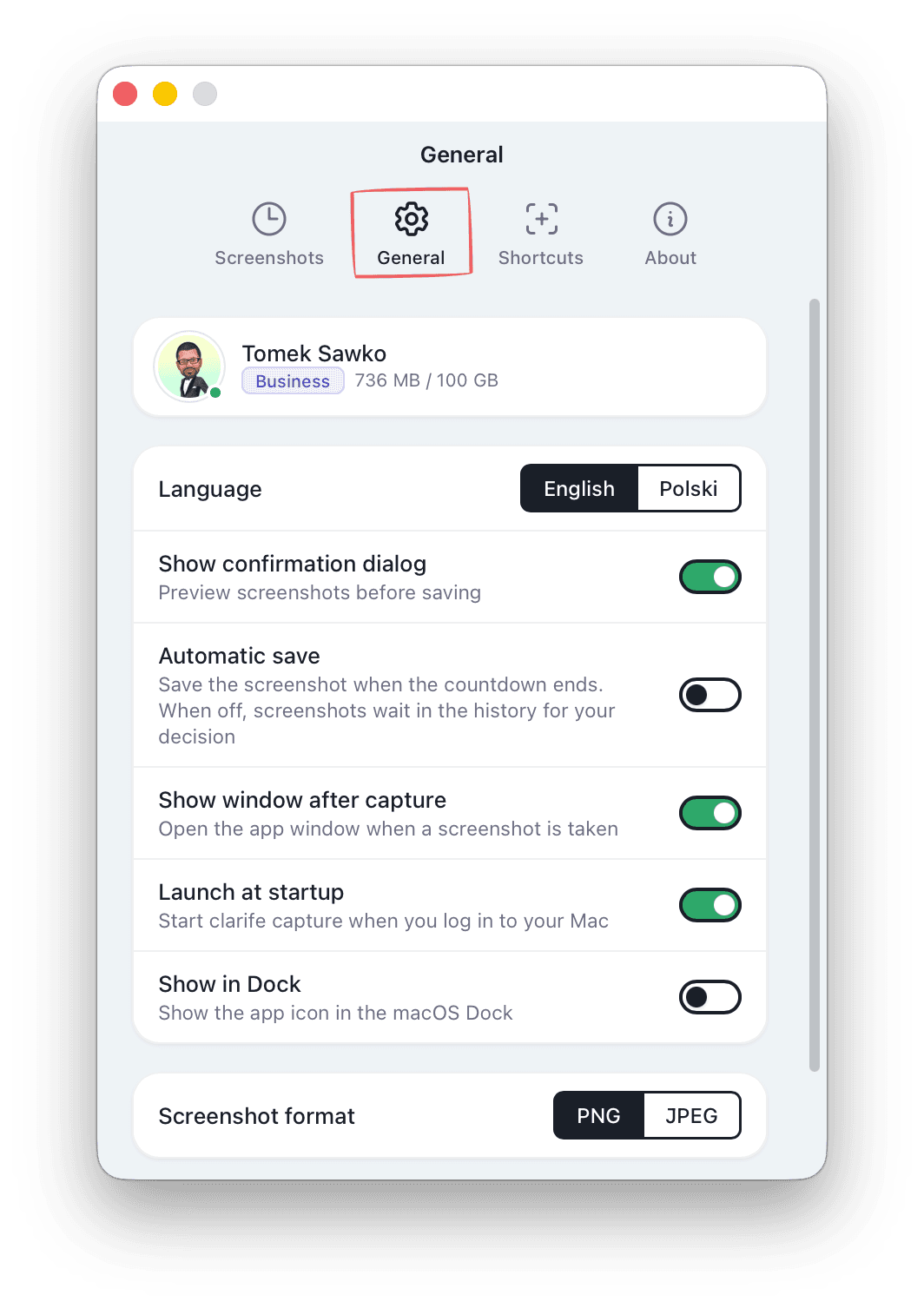
The clarife companion app runs quietly in the background. Capture regions, windows, or full screens with a single keyboard shortcut - screenshots sync to your workspace instantly.
On Linux all you need is a browser - paste screenshots from your clipboard or upload them from disk.
What does it cost
Start free, upgrade when you're ready. No hidden fees, cancel anytime.
Free
Perfect for trying out clarife
Pro
Billed annually at $90
For individuals who create tutorials regularly
Business
Billed annually at $468
For teams that need branding and a knowledge base
Team seats (+$60/user/yr). Owner seat included.
Free forever. Upgrade to Pro or Business when you're ready.
All prices shown exclude applicable taxes. Final price may include VAT or sales tax depending on your location.
Video credits
Available on all plans. Credits never expire. A video with the standard narrator costs 10 credits, with the premium narrator 20. Each video is up to 5 minutes long.
100 video credits per pack
Knowledge you can't see doesn't exist.
Create a free account and start building tutorials in minutes.
Start free. Try Pro or Business with a 14-day free trial anytime. Credit card required - cancel before it ends and pay nothing.